 ouro
ouro
Ouro MD · The Markdown app
Write in the rendered document.
Ouro MD renders Markdown in place as you type. Headings, tables, code, math, and diagrams become themselves — right where your cursor is. No split preview. No mode toggle. Just the document, staying honest about the Markdown underneath.
The idea
Nice to write in. Nicer to read in.
Most Markdown editors make you pick a side: a raw source-code cave, or a decorative preview aquarium you can't type into. Ouro MD keeps the document a document. Syntax markers are there the moment you need them and quiet when you don't — so the page you write is the page you'd want to read.
- Live in-place rendering (IR) — plus WYSIWYG and split, when you want them
- Source Code Mode is one keystroke away (
⌘/) - A distraction-free surface: no toolbar, just your words
Features
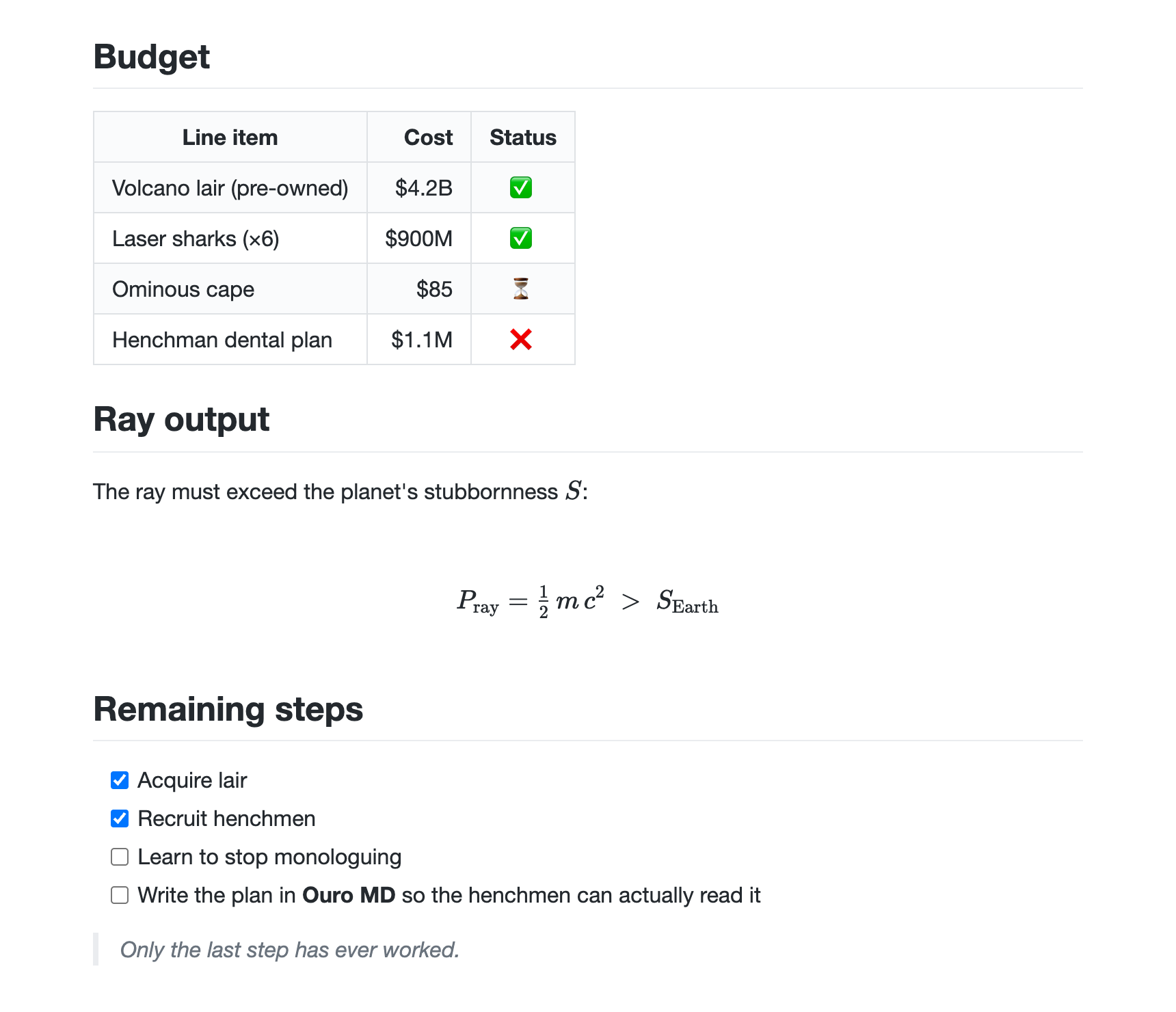
The whole Markdown vocabulary — rendered, not previewed.
Everything a real document needs, in a real Mac app. Type it and watch it resolve in place.
Tables that behave
Wide tables scroll inside their own block instead of dragging the page sideways.
Code, highlighted
Fenced blocks with syntax highlighting and block-local scrolling — no runaway overflow.
Math, typeset
Inline and display math rendered with KaTeX. $e^{i\pi}+1=0$ just works.
Diagrams
Mermaid flowcharts, sequence, and more — drawn live, and re-themed for dark mode.
Four themes
Quartz, Graphite, Manuscript, Newsprint — or drop in your own CSS.
Truly native
Transparent titlebar, standard menus, Open Recent, drag-to-open, and auto-save.
Outline & search
A live document outline, a folder file tree, and full-text folder search (⇧⌘F).
Export
Save to themed, self-contained HTML or PDF. Images embed inline.
Yours, locally
Plain files on your disk. Pasted images inline as data URIs — no upload server, no broken links.
Terminal install
One line, fully auditable.
The installer fetches the latest release, verifies its manifest and SHA-256 checksum against the published metadata, then installs the app. Magic you can read.
# installs Ouro MD.app to /Applications, verified
curl -fsSL https://ouro.bot/ouro-md-install.sh | bash